Route planning and editing
The route planning and editing tool lets you create and edit routes by placing or moving anchor points on the map.
Settings
As shown below, the tool dialog contains a few settings to control the routing behavior. You can minimize the dialog to save space by clicking on .
Routing
When routing is enabled, anchor points placed or moved on the map will be connected by a route calculated on the OpenStreetMap road network. Disable routing to connect anchor points with straight lines.
Activity
Select the activity type to tailor the routes for.
Allow private roads
When enabled, the routing engine will consider private roads when computing routes.
Only use this option if you have local knowledge of the area and have permission to use the roads in question.
Plotting and editing routes
Creating a route or extending an existing one is as simple as tapping or clicking on the map to place a new anchor point.
You can also drag an existing anchor point to reroute the segment connecting it with the previous and next anchor point.
On the website: Hover over the segment connecting two anchor points and drag the anchor point that appears to insert a new one at the desired location.
In the app: Tap on the segment to insert a new anchor point.
When editing imported GPX files, an initial set of anchor points is created automatically. To ease the editing process, the more the map is zoomed in, the more anchor points are displayed. This allows the route to be edited at different levels of detail.
Finally, you can delete anchor points by clicking on them and selecting from the context menu.
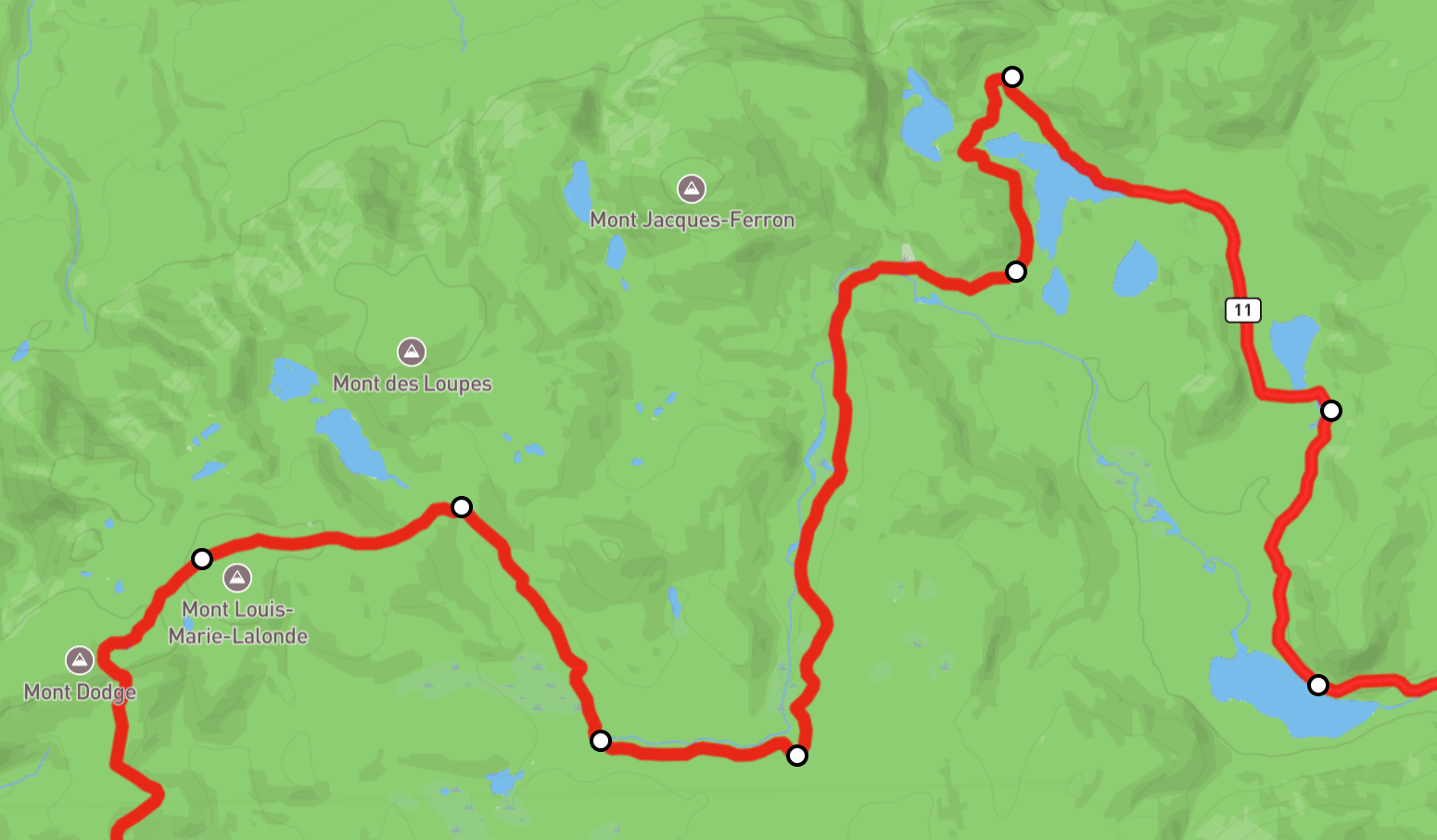
Anchor points allow you to easily edit a route.
Additional tools
The following tools automate some common route modification operations.
Reverse
Reverse the direction of the route.
Back to start
Connect the last point of the route with the starting point, using the chosen routing settings.
Round trip
Return to the starting point by the same route.
Change the start of the loop
When the end point of the route is close enough to the start, you can change the start of the loop by clicking on any anchor point and selecting from the context menu.